Features

Everything you need to build, test, and run web applications — bundled in one desktop app.

🐘 Run Multiple PHP Versions

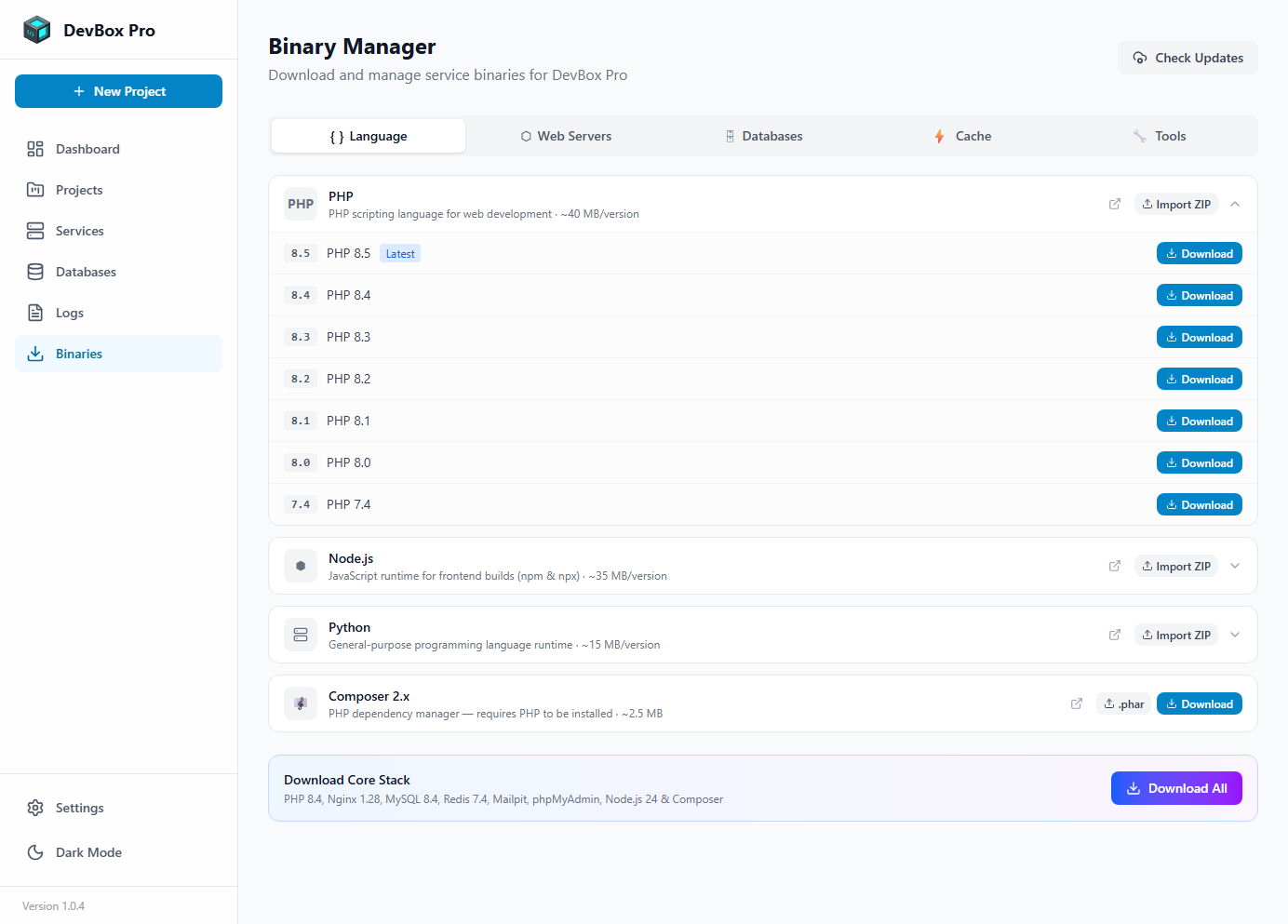
Working on an older project that requires PHP 7.4 while also building a new app on PHP 8.4? No problem. DevBox Pro lets you run any PHP version from 7.4 to 8.5, and each project automatically uses the version you assign to it.

  • PHP 7.4, 8.0, 8.1, 8.2, 8.3, 8.4, and 8.5 available
  • Each project uses its own PHP version — no conflicts
  • Built-in php.ini editor for fine-tuning settings
  • Extensions managed per version
Binary Manager showing multiple PHP versions available for download
Download only the PHP versions you need
đŸŸĸ Node.js Project Support

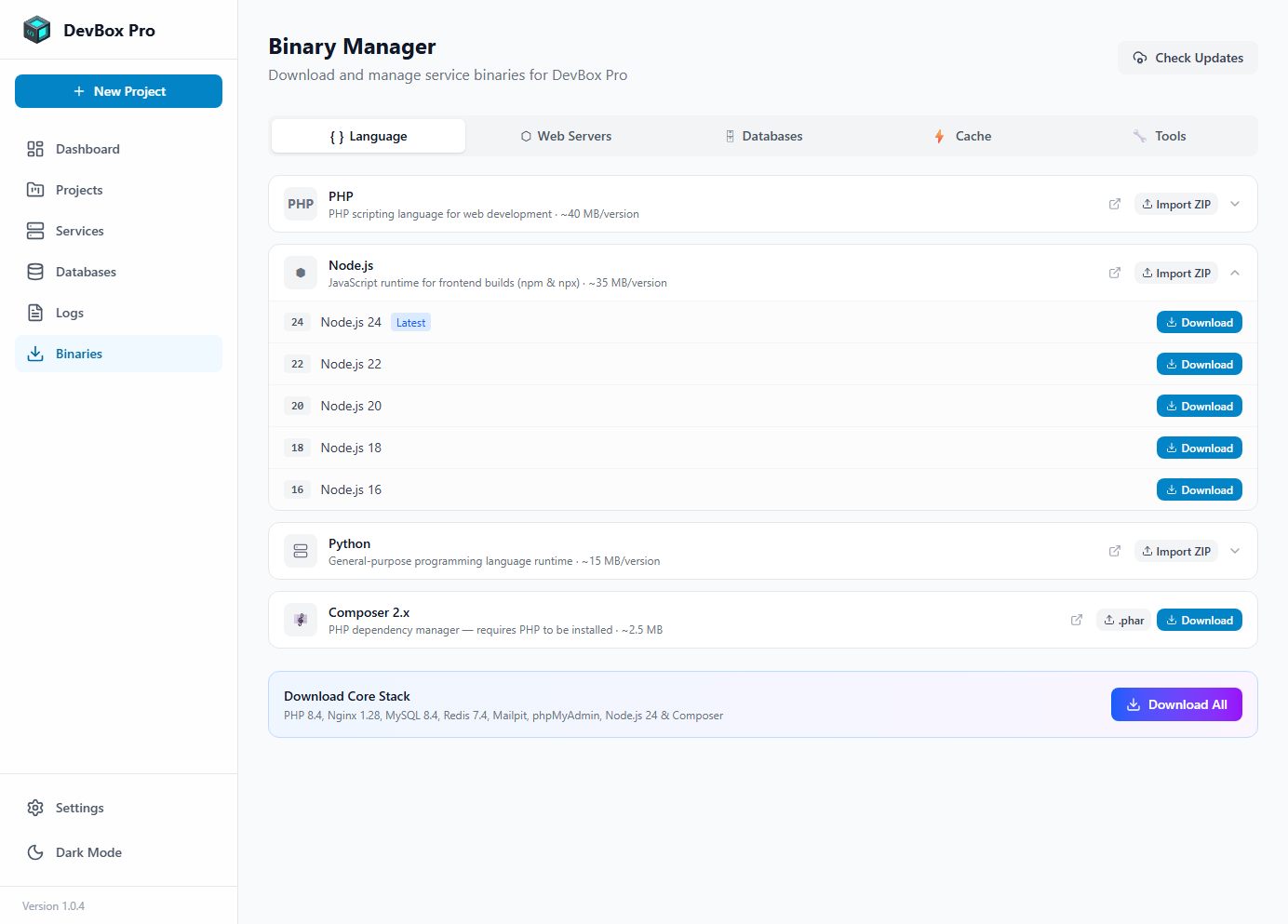
Build full-stack applications by running Node.js projects alongside PHP. DevBox Pro supports Node.js 16 through 24 with automatic reverse proxy through Nginx — meaning your Node.js apps get the same .test domain experience as PHP projects.

  • Run Express, Next.js, Nuxt, Fastify, or any Node.js framework
  • Per-project Node.js version selection
  • Automatic Nginx proxy for .test domains
  • npm and npx available from any terminal
Binary Manager showing Node.js versions
Node.js versions ready to download and use

🌐 Nginx & Apache Web Servers

Choose the web server that works best for each project. Nginx is lightweight and fast (recommended for most projects), while Apache is ideal when you need .htaccess file support.

  • Nginx 1.26 and 1.28 available
  • Apache 2.4 with full mod_rewrite support
  • Automatic virtual host configuration
  • HTTP and HTTPS for every project
  • Use different servers for different projects
Binary Manager showing Nginx web server versions
Multiple web server versions ready to download

💾 Database Management

Manage all your databases through a simple visual interface. Create new databases, import existing ones from .sql or compressed .gz files, and export backups — all with progress tracking.

  • MySQL 8.0 and 8.4 with multi-version support
  • MariaDB 10.11 and 11.4
  • PostgreSQL 14, 15, 16, and 17
  • MongoDB 6.0, 7.0, and 8.0
  • SQLite 3 (embedded, no setup required)
  • phpMyAdmin for visual database browsing
  • One-click import and export with compression
Database management interface showing create, import, and export options
Import, export, and manage databases with a few clicks

🔒 Automatic HTTPS & Custom Domains

Every project in DevBox Pro gets its own custom .test domain (for example, myshop.test). SSL certificates are generated automatically, so your local site works over HTTPS — just like a real website.

  • Automatic SSL certificate generation
  • Wildcard certificate support
  • One-click certificate trust in Windows
  • Custom .test domains per project
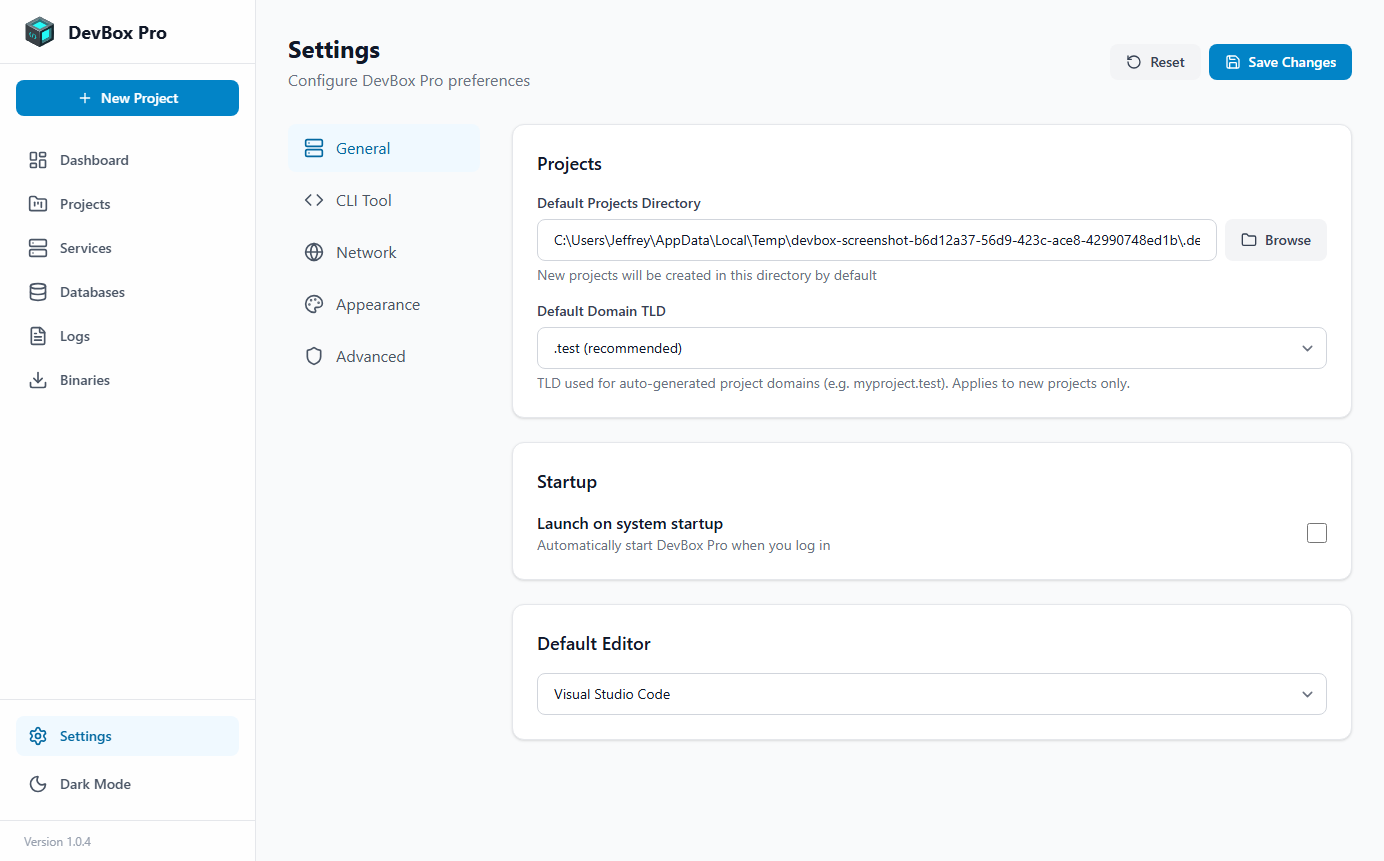
Settings page showing SSL and cloud configuration
SSL and configuration settings

đŸ’ģ Terminal Commands

Use PHP, Node.js, and database tools directly from any terminal on your computer.

Once you enable the CLI tool in Settings, you can open any terminal (VS Code, PowerShell, Windows Terminal) and use commands like php, npm, composer, and mysql directly. DevBox Pro automatically figures out which version to use based on your project folder.

# Navigate to your project folder
cd C:\Projects\my-laravel-app

# PHP uses your project's configured version automatically
php artisan migrate
php artisan serve

# Composer uses the matching PHP version
composer install
composer update

# Node.js and npm use your project's version
npm install
npm run dev

# Database commands use the running version
mysql -u root
mysqldump -u root mydb > backup.sql
💡

How it works: When you run a command from inside a project folder, DevBox Pro checks which versions are assigned to that project and uses the correct one. Outside a project folder, it uses your default version from Settings.

And Much More

🔧

Binary Manager

Download, update, and manage individual components. Only install what you need. Import custom-compiled versions if you want.

📊

Real-Time Logs

Stream logs from all services live. Errors are highlighted in red, warnings in yellow. Filter by project or service to find issues fast.

đŸŽ¯

Framework Support

One-click installation for Laravel, WordPress, and Symfony. Also supports custom PHP and any Node.js framework.

â˜ī¸

Cloud Updates

New binary versions and compatibility rules sync from the cloud — so you get new PHP and Node.js releases without updating the app.

🌐

Network Sharing

Share projects across your local network with a simple toggle. Great for testing on mobile devices or showing work to teammates.

🔗

Git Integration

Clone repos from GitHub, GitLab, or Bitbucket directly from DevBox Pro. Supports HTTPS, SSH keys, and Personal Access Tokens.

📤

Project Export & Import

Export your project configuration for backup or sharing. Import it on another machine to set up the same project instantly.

â†Šī¸

Version Rollback

Roll back to a previous version of DevBox Pro from the Settings page if anything goes wrong after an update.

🎨

Themes

Customize the look and feel with built-in color themes and accent options. Preview changes in real-time before applying.